LIVE PERFORMANCE FOR BANDS

One set.
Every screen.

Plan the music in HEX. Put lyrics and scripture on screen with HEX Stage. Keep your band together from rehearsal to the last song.
LIVE MODEWEB + MOBILE
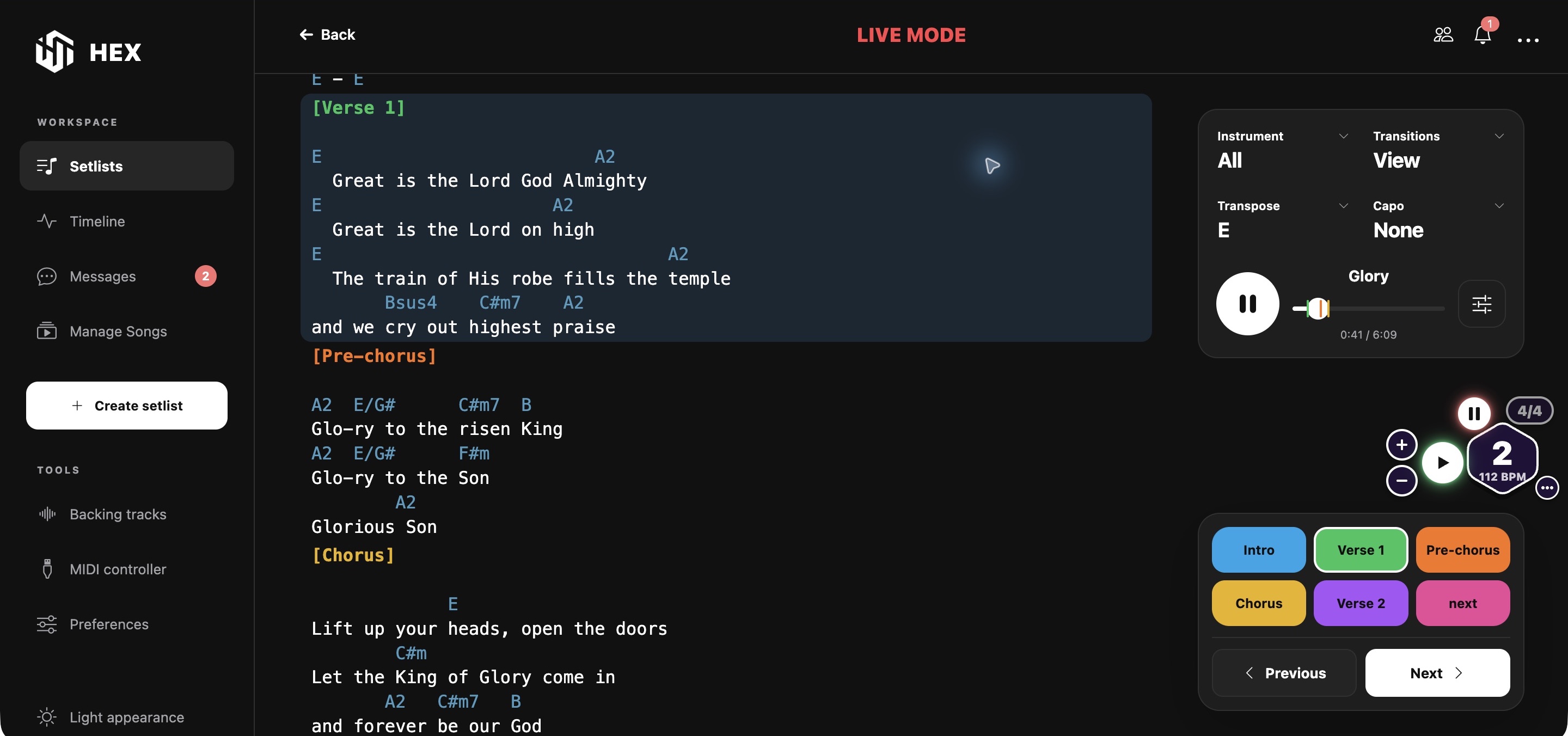
HEX on the web showing a chord chart, backing track controls, and song sections.
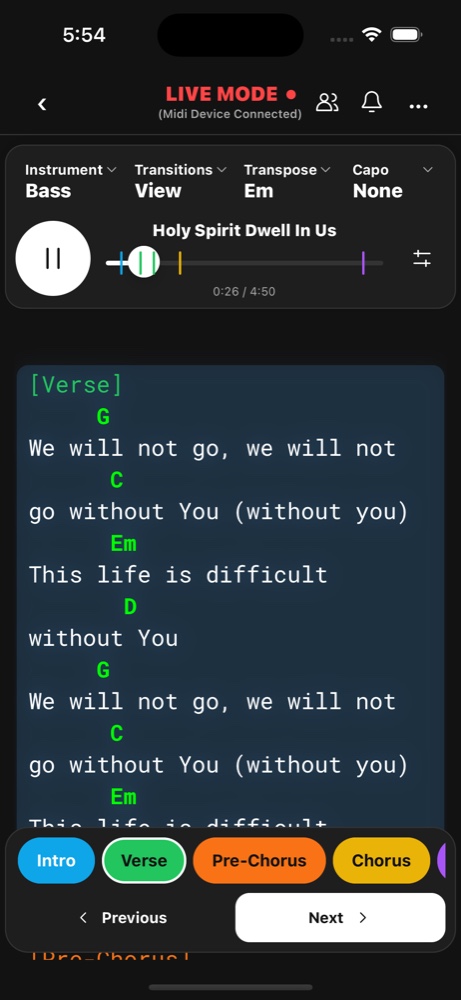
HEX mobile Live Mode with chord charts and section controls.
01 / LIVE SESSIONActual HEX screens
01 / LIVE SYNCLEAD & FOLLOW

One cue.
Whole band.

Live Follow
Move to a new song or section and bring connected followers with you.
Live Transpose
Change the key once. Connected followers see the transposed chord charts on their own devices.
LIVE SYNC DEMOSIMULATION
SECTION
KEY

Both charts show Verse in G.

02 / BACKING TRACKSPREPARE & PERFORM

From waveform
to stage.

Shape the track in rehearsal. Play it from the chart when the band is ready.

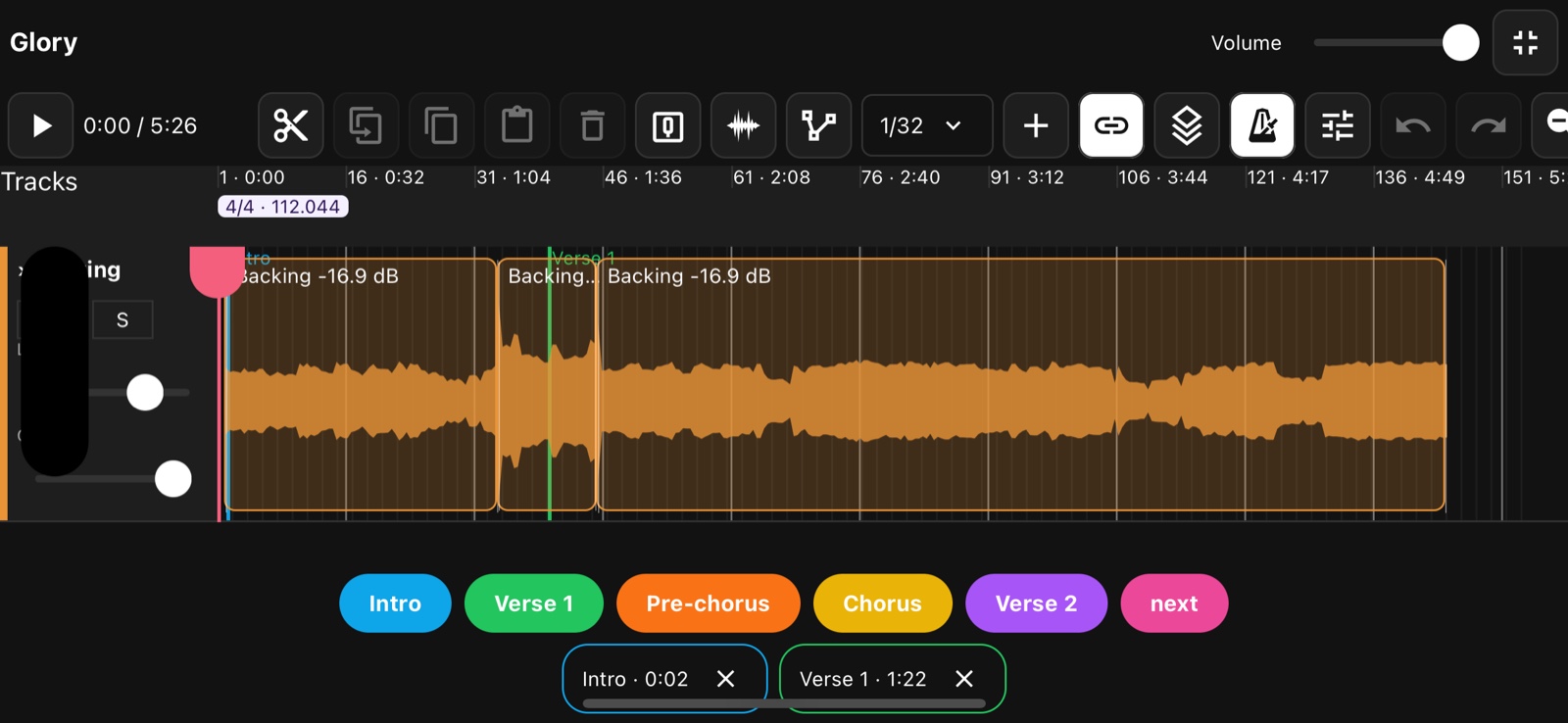
The HEX backing track editor with waveform clips and section markers.
01 / EDIT

Edit backing tracks

Arrange clips, set fades, and mark song sections on the timeline.
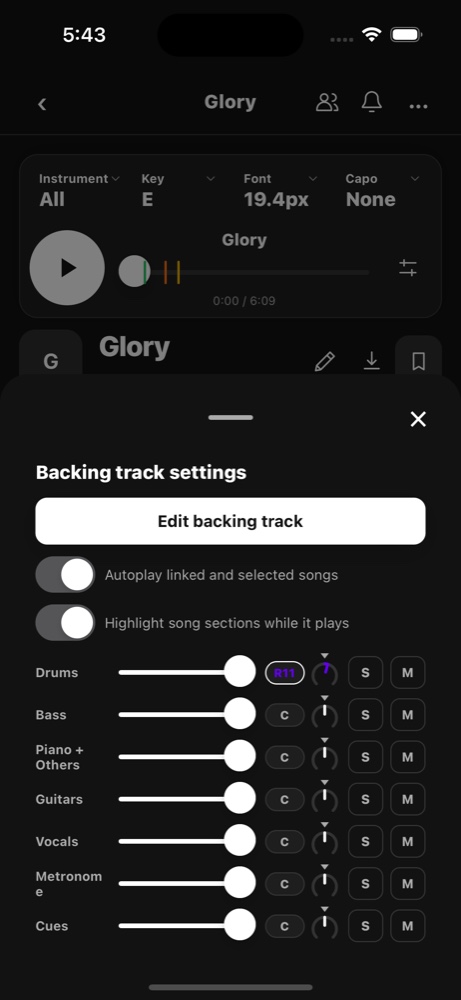
HEX mobile backing track settings with playback and mixer controls.
02 / PLAY

Play and mix

Control available stems, metronome, and cues from the chart.

HEX STAGE FOR DESKTOP

Lyrics on the big screen.

Build slides with lyrics, scripture and media. Bring in your HEX setlists, work offline, and send the show to an audience display, stage monitor, or browser on your Wi-Fi.
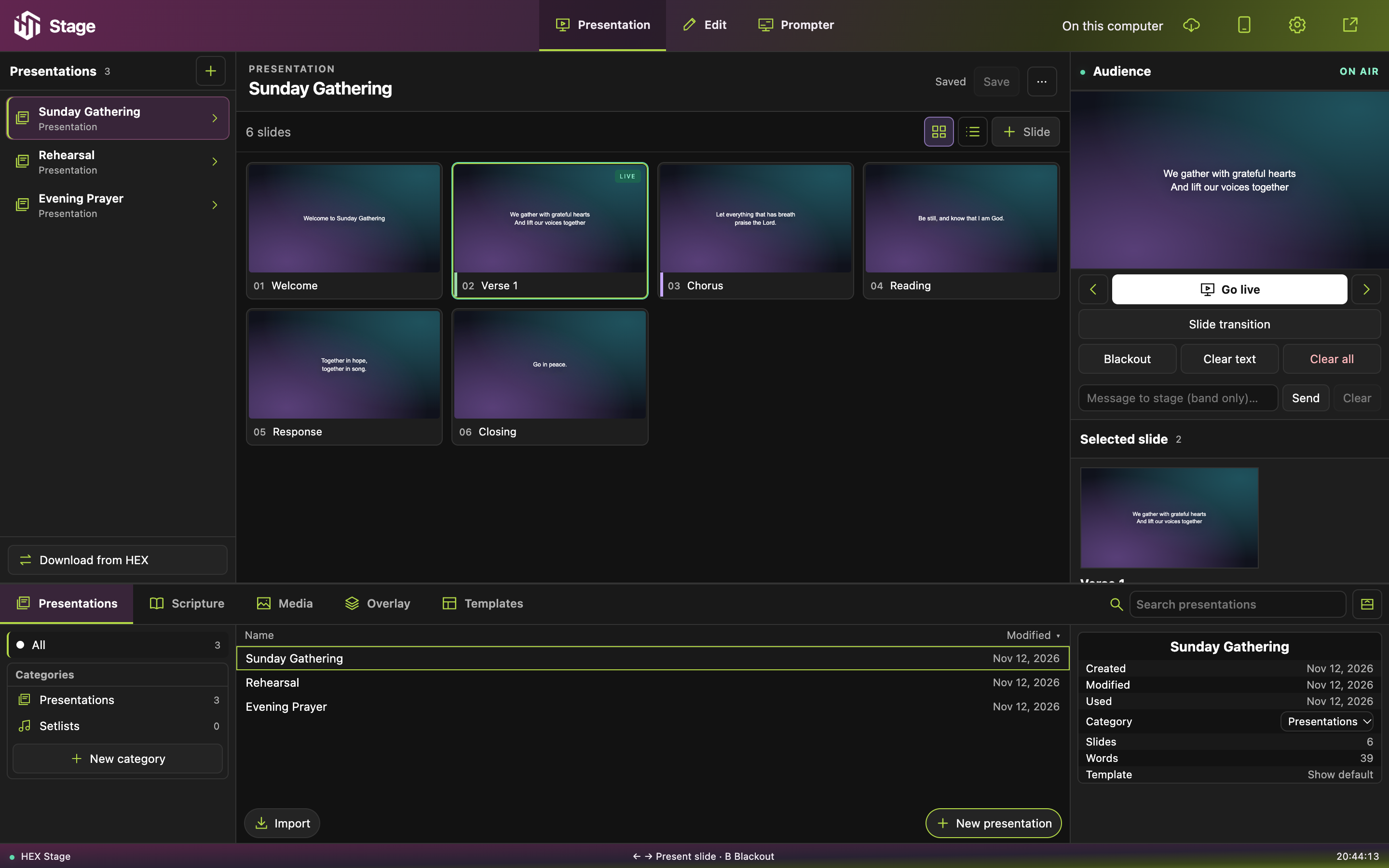
HEX Stage showing a Sunday Gathering presentation with a grid of lyric slides and a live audience preview.
HEX Stage desktop · Sample presentation

Download Hex Stage

03 / HEX COMMUNITYTHE FORUM

The conversation
after the set.

Ask a question, trade ideas with other musicians, or tell the HEX team what would make the app work better for your band.

Visit the community